
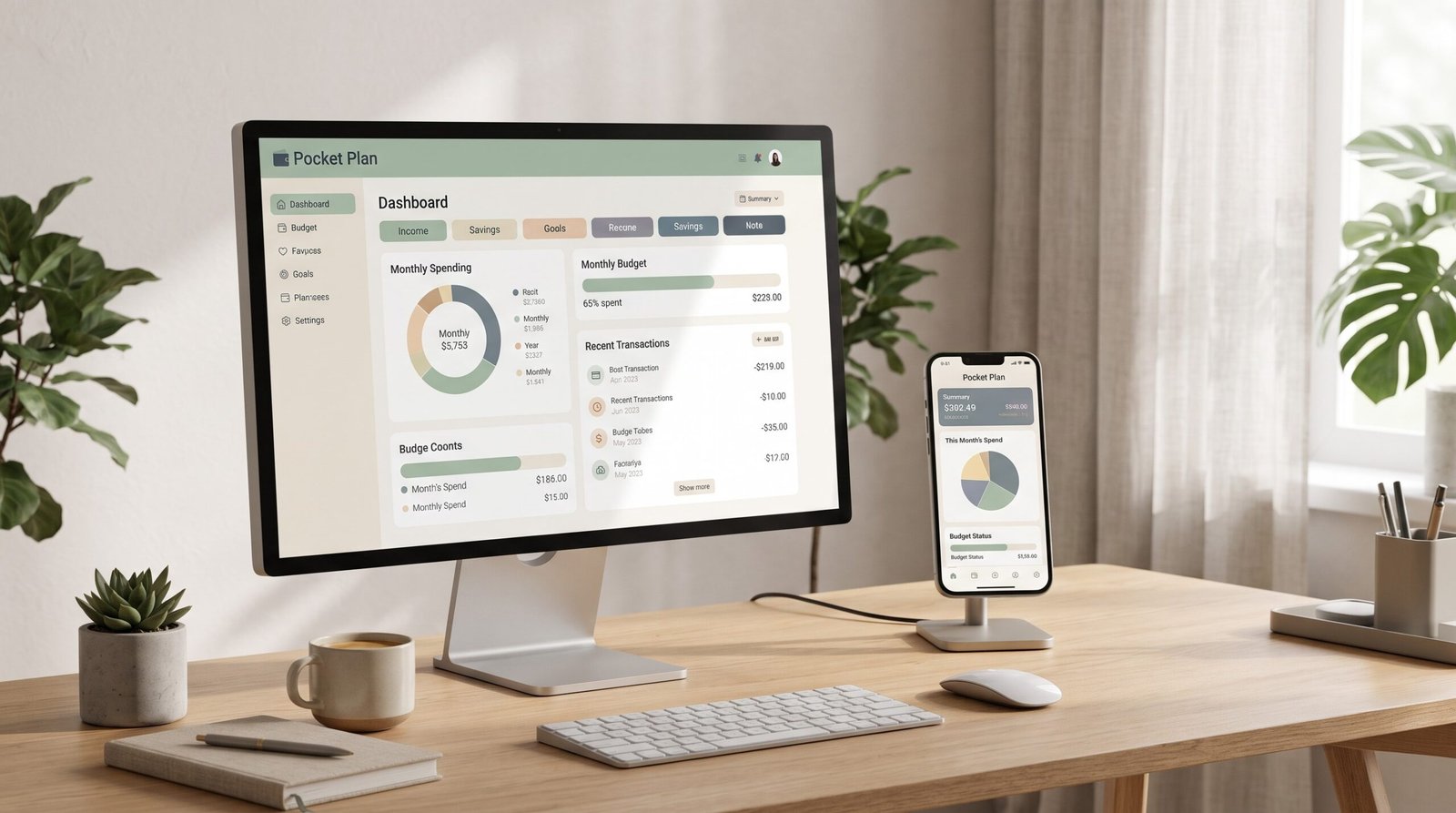
💸 Budget without the spreadsheet headache.
Tired of Google Sheets templates that break when you type in the wrong cell? Nestegg is an interactive budget planner you simply open and use. There are no formulas to copy, no cells to unlock, no tabs to link and no maths to check. Type an amount, tap a category, and everything updates instantly.
✨ WHY YOU’LL LOVE IT
✔️ Truly interactive. Tap buttons, tick off bills and see charts update as you go.
✔️ No spreadsheets or formulas. It does all the calculations for you.
✔️ Set up in about a minute. A guided setup asks for your pay and balances, then suggests a budget using the 50/30/20 rule.
✔️ Works on phone, tablet and computer. It opens in your web browser.
✔️ No app, no account, no subscription. Buy once and it’s yours.
✔️ Private. Your data stays on your own device and is never uploaded anywhere.
✔️ Works offline.
📊 WHAT’S INSIDE
🏡 Safe to Spend. See exactly how much you can spend this month, and per day, after bills and savings.
📊 Monthly Budget. Plan Income, Bills, Expenses, Savings and Debt, with progress bars for every category.
📅 Bill Calendar. All your paydays and bills on one calendar, with a tick-off checklist so nothing gets missed.
💷 Paycheck Planner. See which bills each pay packet needs to cover, whether you’re paid weekly, fortnightly, every 4 weeks or monthly.
🎯 Savings Goals & Sinking Funds. Track the holiday, Christmas and emergency funds, with on-track progress rings.
💳 Debt Payoff Planner. Choose snowball or avalanche, see your debt-free date and how much interest you’ll save.
📈 Net Worth Tracker. Monthly snapshots build a chart of your progress.
🗓️ Year Overview. Planned vs actual, savings rate, your best month and your biggest spending category.
👪 Household Mode. Budget for up to 9 people, see who spent what, and get an automatic “who owes whom”.
⬆️ Bank CSV Import. Upload your bank statement, and it spots duplicates and auto-categorises your spending.
🖨️ Printable Monthly Report.
🌙 Light and dark mode, plus 18 currencies including £, $ and €.
🛠️ HOW IT WORKS
1️⃣ Purchase and download your file.
2️⃣ Open it in your web browser (Chrome, Edge, Safari or Firefox).
3️⃣ Follow the quick setup, or explore with the sample data first.
4️⃣ Start budgeting. That’s it!
A built-in Help & Guide walks you through every feature.
📌 PLEASE NOTE
- This is a digital download. No physical item will be shipped.
- Your budget is saved in the browser you open it in. Each device keeps its own copy, but you can move your data between devices using the built-in backup and restore. We recommend downloading a backup regularly, because clearing your browser data will delete your budget.
- This is a personal budgeting tool, not financial advice.
- Due to the digital nature of this product, refunds aren’t available. If you have any questions, please message me before purchasing.
💛 Thank you for supporting a small business!
Reviews
There are no reviews yet.